

This tutorial applies to website design customers only. If you do not have an active website design service, please reach out to us first.
To show your calendar appointments as events on your website, you need to set your Outlook Calendar to be shared publically.
In order to do that, visit your Outlook email account on the web using a laptop or PC. Not using a smart phone or tablet.
1. You can visit Outlook email from:
https://outlook.live.com/mail/
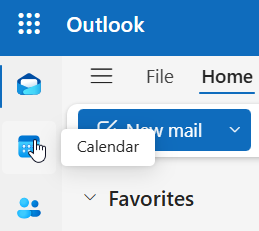
2. Once logged in, visit “Calendar” from the left-hand side panel:
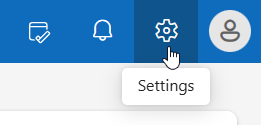
3. Click the gear icon on the upper right-hand side
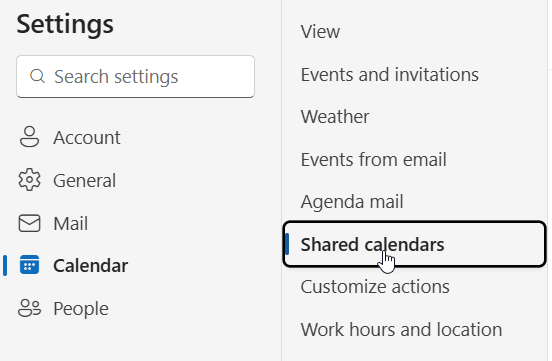
4. Under “Calendar” Select “Shared Calendars”
5. Under “Publish a Calendar” select the calendar you want to share its feed, then select “Can view all details” and click “Publish

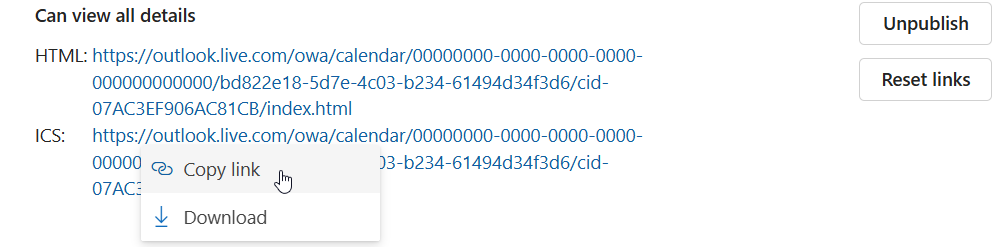
6. Click the long link beside ICS, and “Copy Link”
7. Provide the link you just copied to ECoverME through the discussion board or via email